Graphic Jay Logo

Here Is A Link For The Print Portfolio! - Print Portfolio

Amethyst Bay Magazine Ad Mockup

Amethyst Bay Magazine Ad

Program Used: Adobe Illustrator

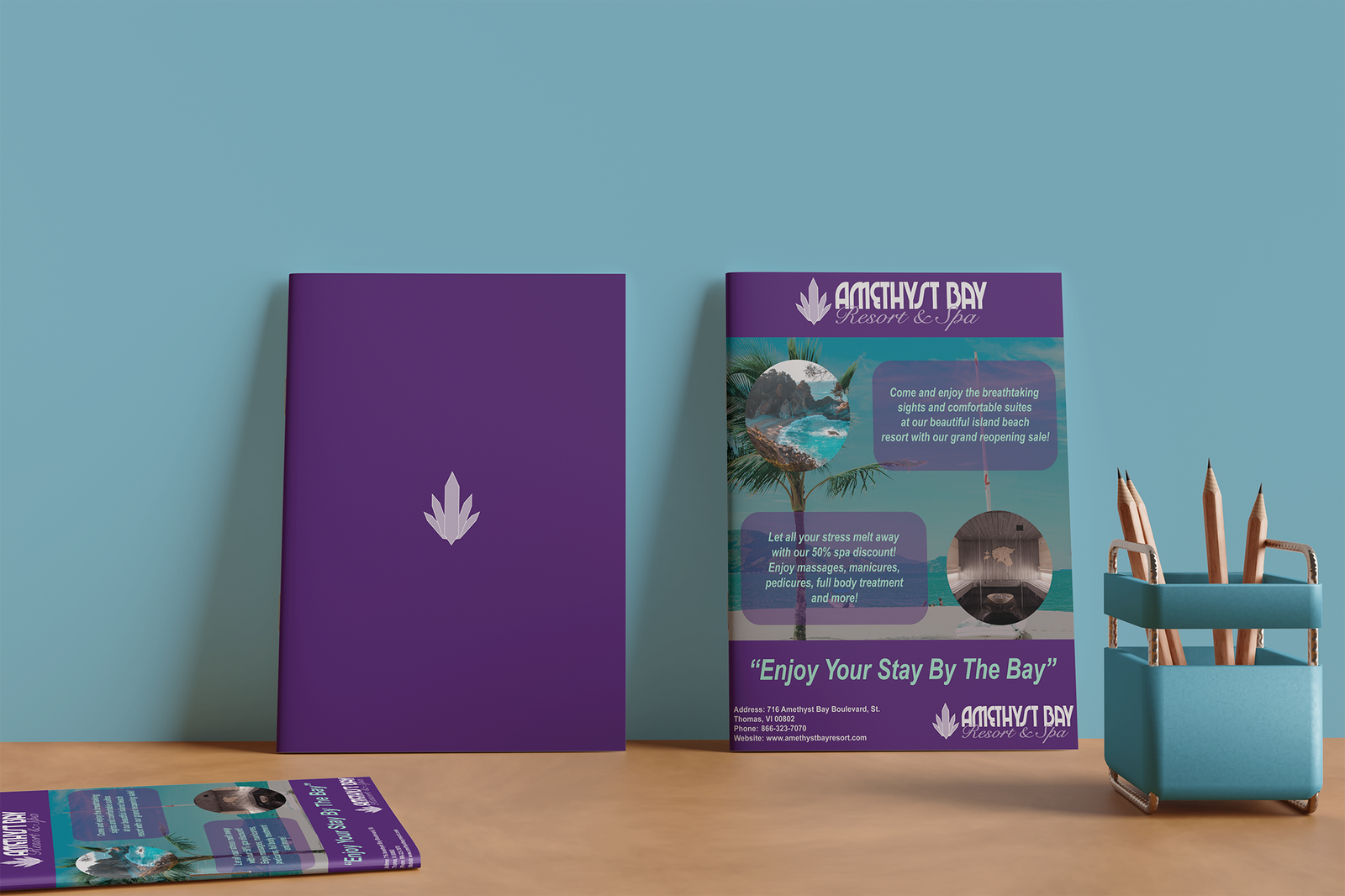
The client for this piece was Amethyst Bay Resort & Spa and was made with the purpose to create an eye-catching magazine ad to help promote the reopening of a new spa location. When designing this piece, I wanted to focus on using the teal and purple colors from the client's provided style guide (as well as given typography) to help bring out key elements of the ad, such as using the teal color to make the tag line and the primary text detailing the grand reopening sale to pop out to the viewer as well as using the purple color to tie in the brand's logo for the header and footer of the magazine ad. Alongside this, I also decided to use an alternate version of the client's logo (that was provided within the style guide) to help fit in well with the purple elements and add balance to the piece. Lastly, I decided to create a backside for the page that utilized the brand's signature purple with the Amethyst Bay logo centered in the middle to help tie the piece altogether.
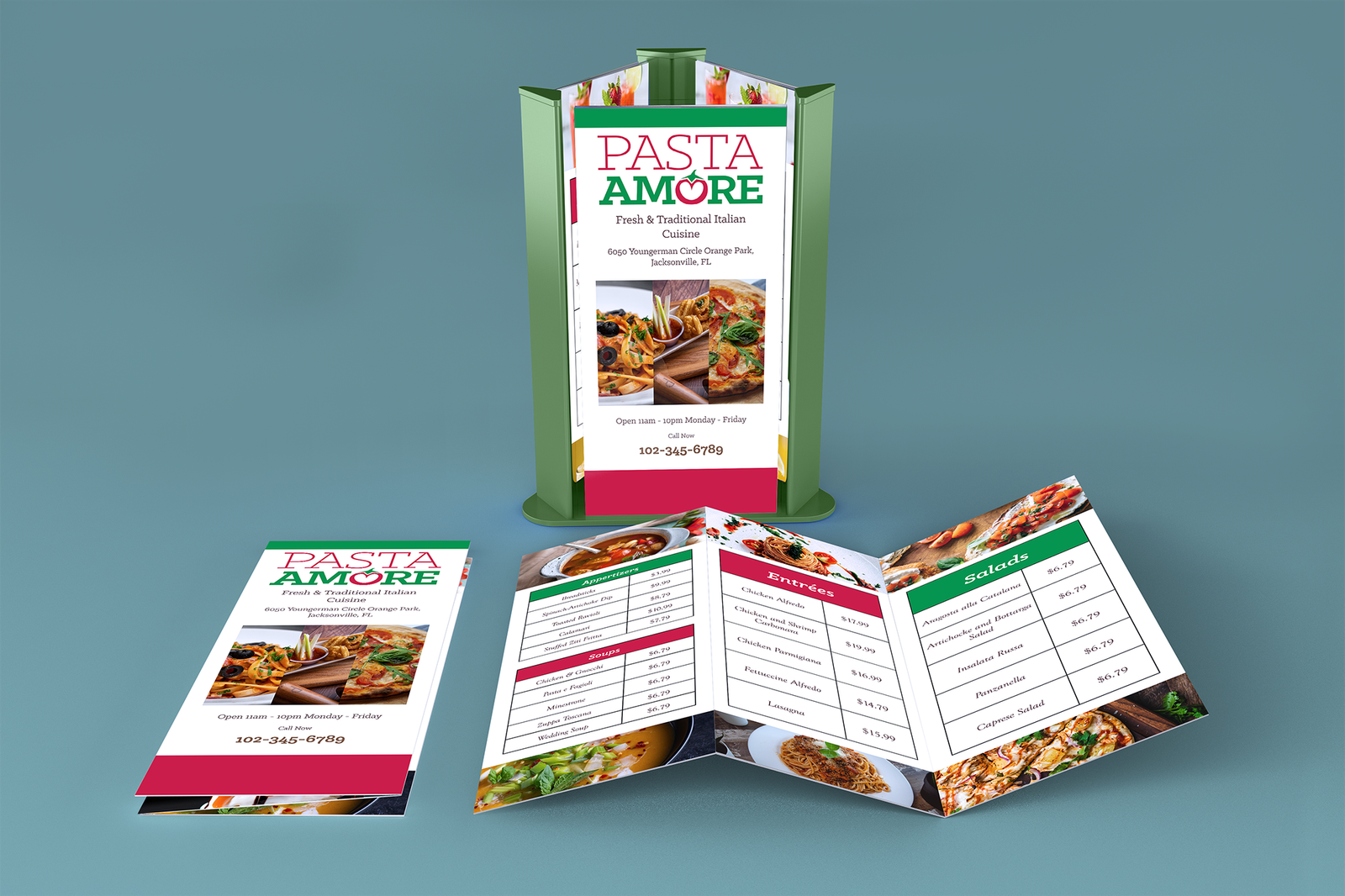
Pasta Amore Menu Mockup

Pasta Amore Menu

Program Used: Adobe InDesign

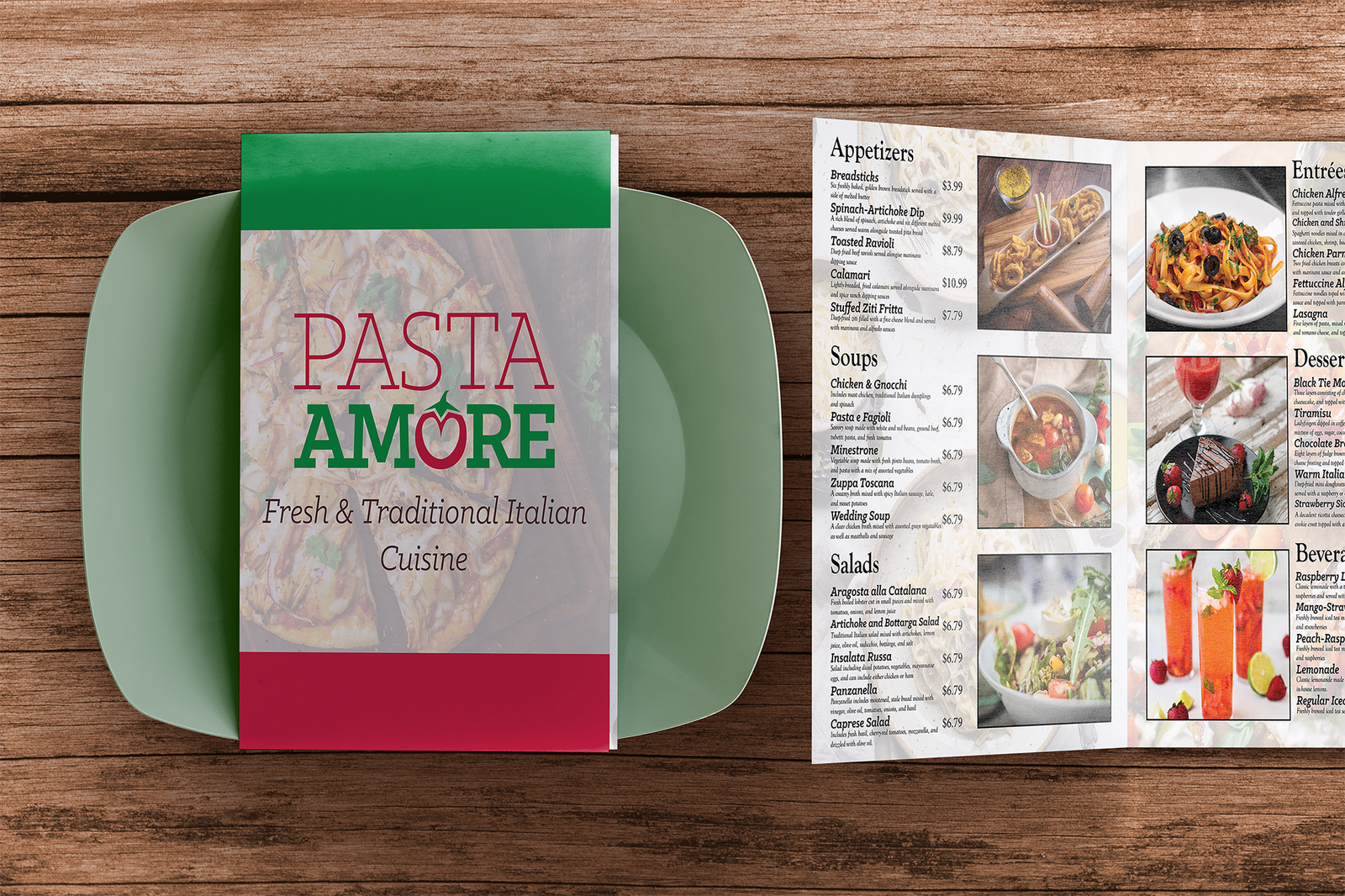
This piece was created for the Pasta Amore Italian Restaurant and is part of a three-piece branding & packaging project with the express purpose of both promoting the restaurant as well as helping promote the brand's mission statement for providing a warm atmosphere for families to enjoy traditional Italian cuisines through the use of these pieces. For the Pasta Amore menu, I wanted to keep the brand's main mission statement of creating a warm atmosphere and traditional Italian cuisines in mind when designing the style for the menu. To accomplish this, I utilized the bright red and green colors from the logo and used imagery that focused on Italian cuisine. Alongside this, I also used the client's intended font from the provided style guide to help improve readability for menu items (such as adding spacing between header and subtext when necessary to help improve the balance between the typeface and the imagery within the menu pages).

Pasta Amore Menu Mockup Alternative

Pasta Amore Menu Alternative Mockup

Program Used: Adobe InDesign

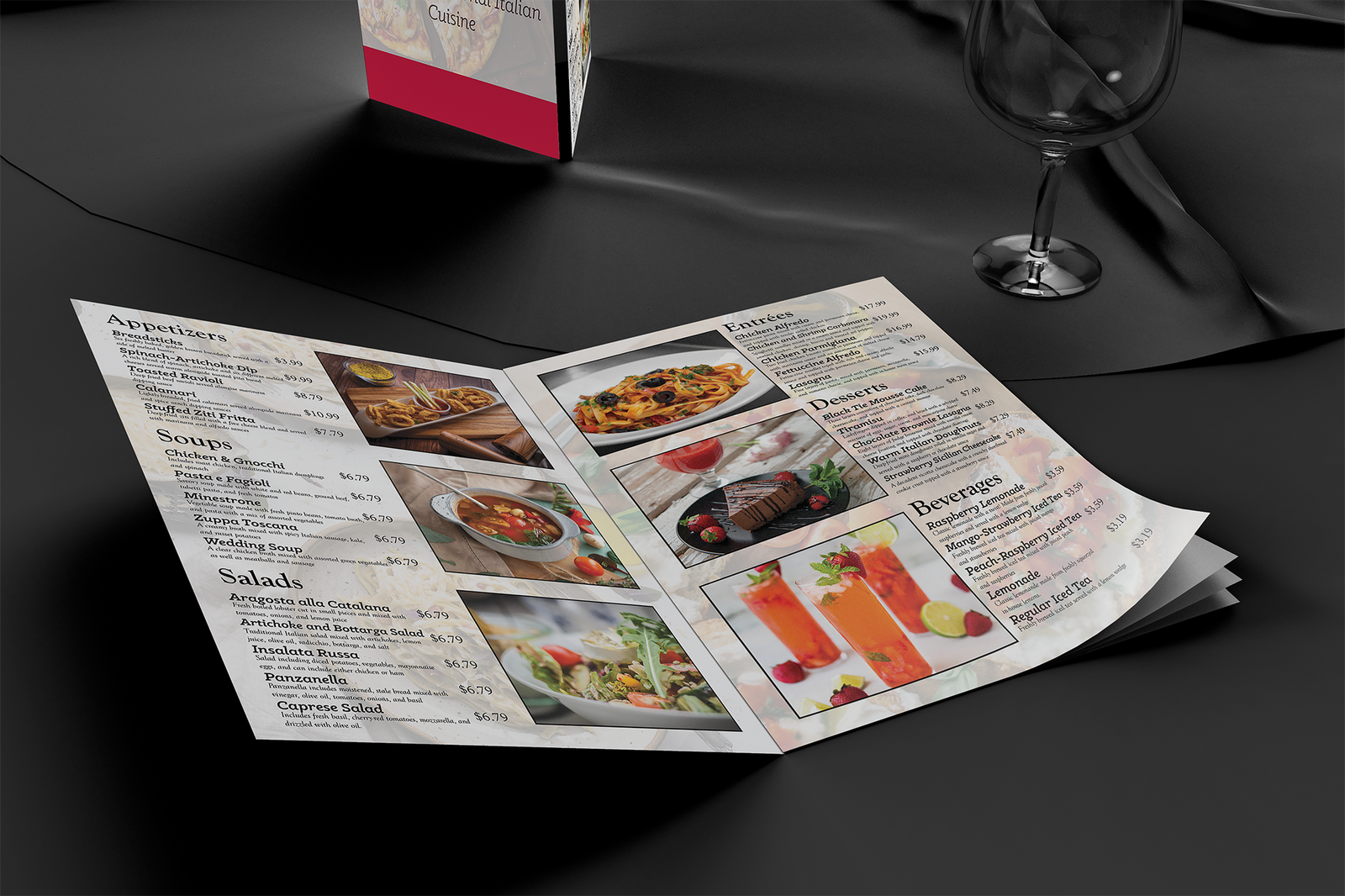
This is an alternative mockup for the Pasta Amore restaurant menu. This mockup gives more focus towards the inside of the menu while also portraying the design choices within a different type of restaurant setting.

Pasta Amore Menu Brochure Mockup

Pasta Amore Menu Brochure

Program Used: Adobe InDesign

This piece was created for the Pasta Amore Italian Restaurant and is part of a three-piece branding & packaging project with the express purpose of both promoting the restaurant as well as helping promote the brand's mission statement for providing a warm atmosphere for families to enjoy traditional Italian cuisines through the use of these pieces. The Pasta Amore menu brochure shares many similar design choices with the large-scale menu, such as the green and red color scheme and the focus on Italian cuisine imagery. This piece can serve as an alternative choice for menu design within restaurant locations or can be used as a take-out or catering menu. This design's main focus was towards simplicity and ease of access, allowing potential customers to take the menu with them and have access to both contact information and location for take-out or catering needs.

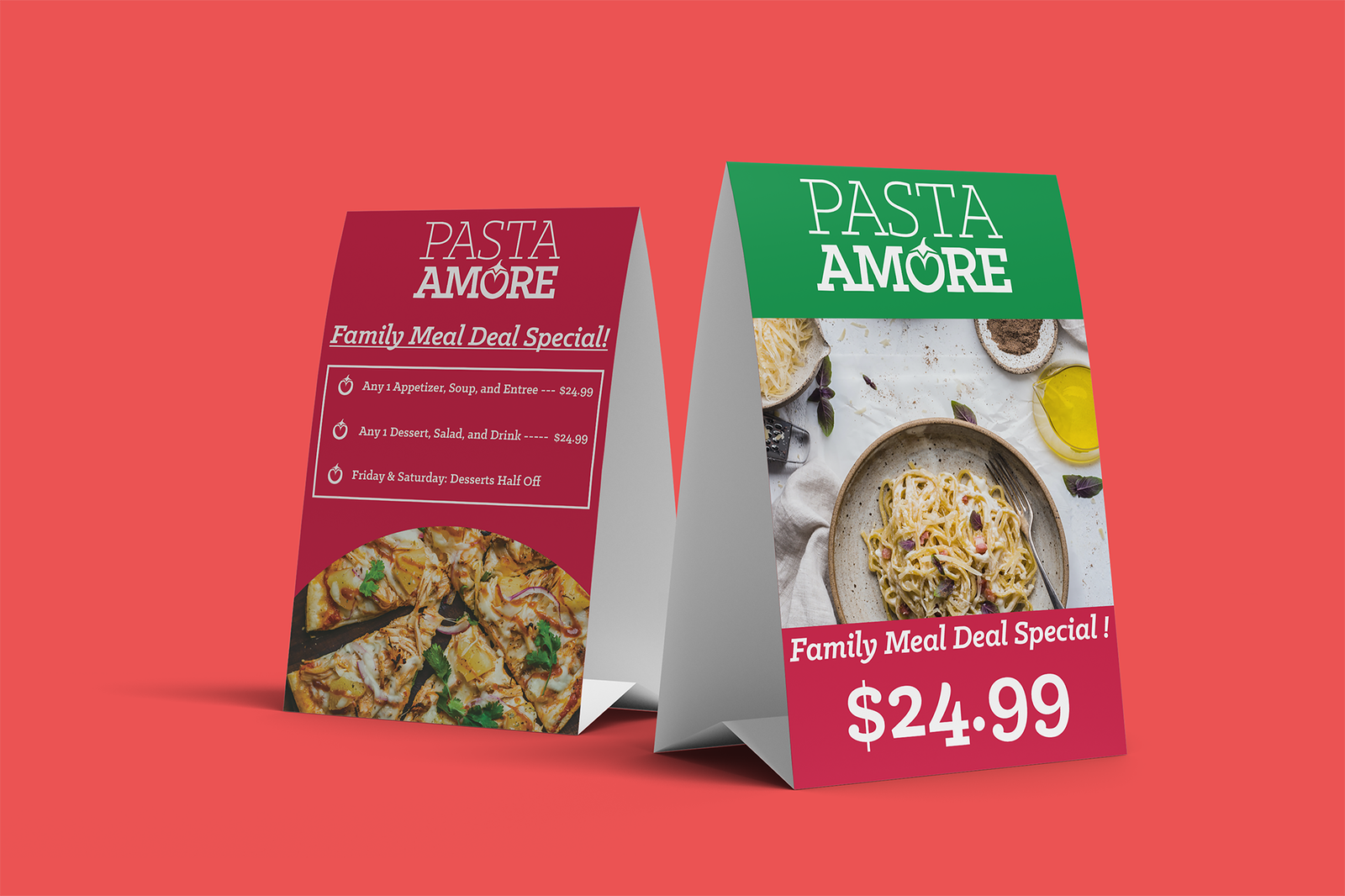
Pasta Amore Table Tent Mockup

Pasta Amore Menu Table Tent

Program Used: Adobe InDesign

This piece was created for the Pasta Amore Italian Restaurant and is part of a three-piece branding & packaging project with the express purpose of both promoting the restaurant as well as helping promote the brand's mission statement for providing a warm atmosphere for families to enjoy traditional Italian cuisines through the use of these pieces. For the table tent design, I wanted to emphasize the warm, family-friendly, atmosphere that was part of the client's main mission statement. To accomplish this, I focused on design choices that would help emphasize a family meal deal special by utilizing the client's alternative font, using an alternative version of the logo to help create balance within the front and back of the table tent, and utilizing part of the Pasta Amore logo to help add bullet points detailing additional information about the family meal deal special on the back of the table tent.

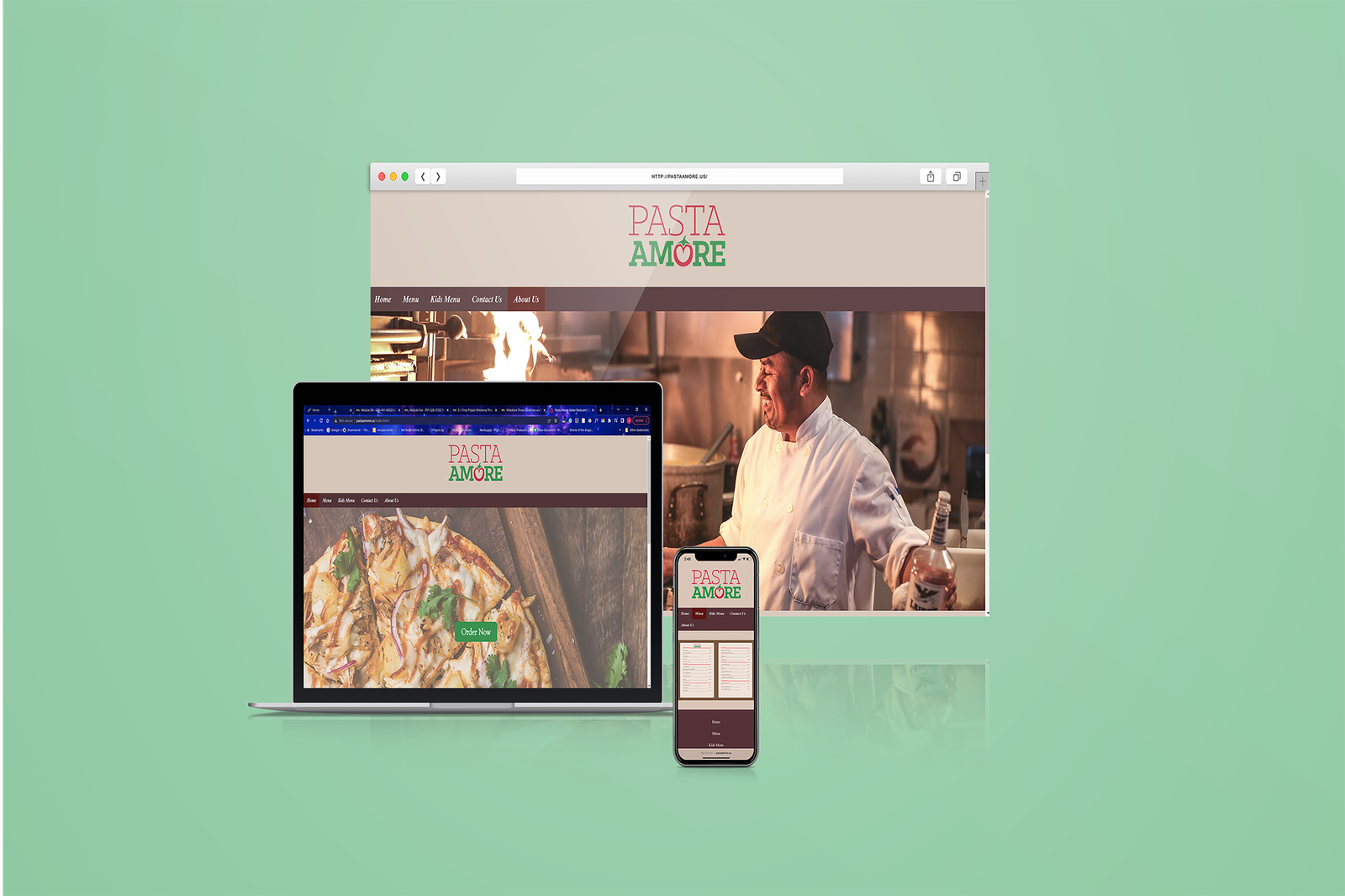
Pasta Amore Website Mockup

Pasta Amore Website

Program Used: Visual Studio Code

The client for this piece was the Pasta Amore Italian Restaurant and was made with the purpose to create a functional and eye-catching website for the restaurant. The website itself was designed within Visual Studio Code and applies many of the design choices from the previous three-piece branding project I created for them. The website includes a homepage that includes an “Order Now” button and several images showcasing items from the restaurant that leads directly to the menu when clicked. Two tabs lead to two types of menus, the regular menu and the kid's menu, both utilizing differing designs and layouts to help fit the theme of each respective menu. Then there is the contact page, which provides the client's email, phone number, location, and hours of operation. Users can hover over both the email and phone number and click the links to directly call or email the restaurant with any questions or orders. Lastly, there is the restaurant's About page, which summarizes the restaurant's mission statement and what its users can expect when visiting the Pasta Amore establishment. The provided mockup gives an insight into how the website will be portrayed to the user within different device layouts, such as PC, Laptops and Tablets, and Mobile Devices.

Link To Website Here!

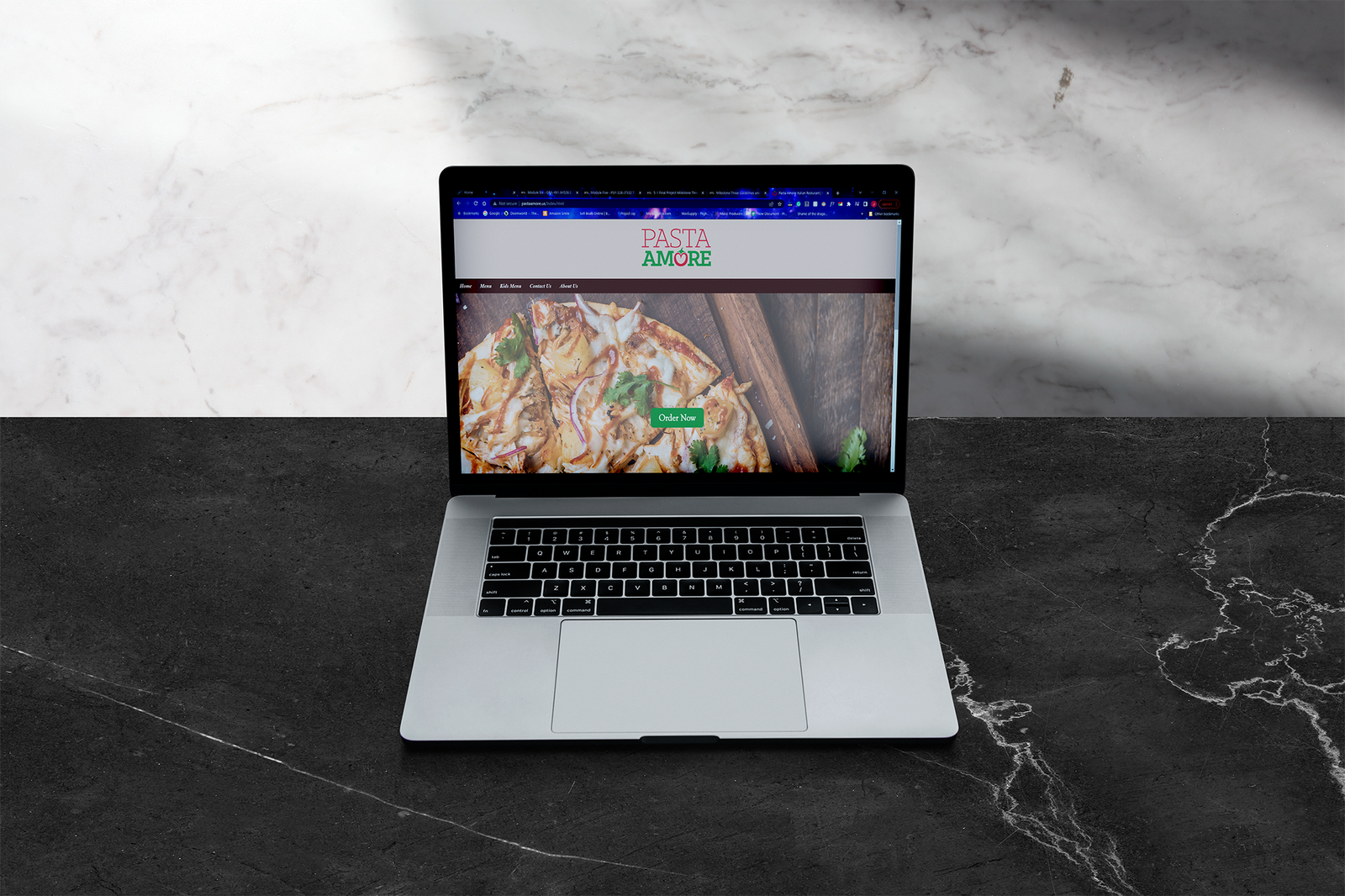
Pasta Amore Website Alternative Mockup

Pasta Amore Website Alternative Mockup

Program Used: Visual Studio Code

This is an alternative mockup for the Pasta Amore website design layout. This mockup gives a closer look on how the website would be portayed on laptop devices.

Link To Website Here!

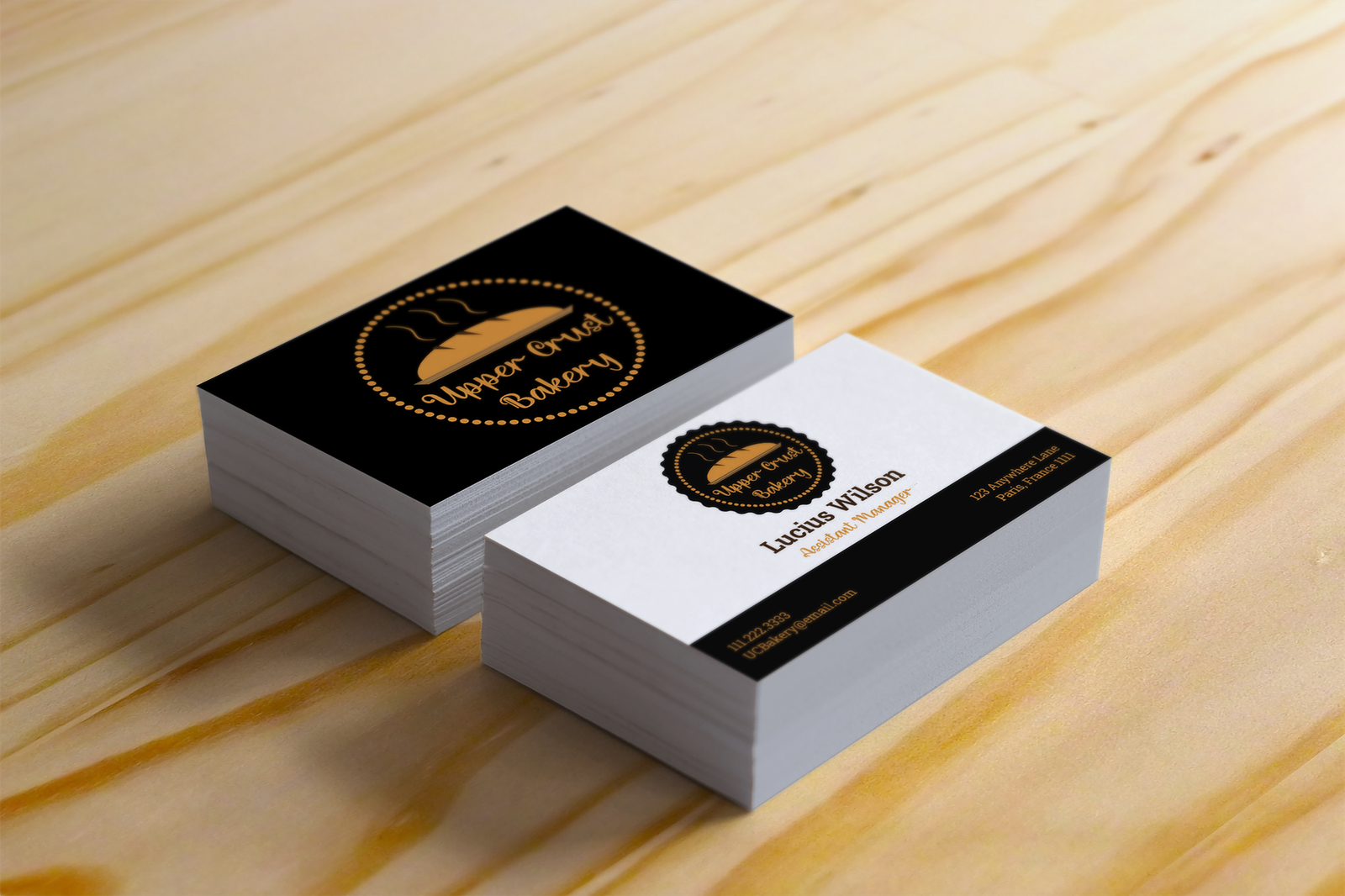
Upper Crust Bakery Business Card Mockup

Upper Crust Bakery Business Card

Program Used: Adobe Illustrator

This piece was created for the Upper Crust Bakery and is part of a three-piece branding & logo design project to help the client create an effective brand identity and effective brand message for their target audience. To accomplish this, the client wanted a logo that included the business name, a symbol that could be used to relate to the brand, and it had to be useable within various media formats (such as business cards, letterheads, etc.) For the logo itself, I wanted to have elements that fit with the theme of the brand and complement the bakery aspects of the company. For this, I created a vector image of freshly-baked bread and worked around this idea. This led to me adding a typeface that was reminiscent of piping bags for the business name, smaller decorative dots to incorporate the dessert aspect of the bakery, and a ribbon-like backdrop for the logo to help add to the decorative elements and add balance to the piece. I then used a gold, black, and brown color scheme to help bring out elements like the bread and the business name in a creative manner. The design choices made for the Upper Crust Bakery business card showcase how the elements from the logo influenced the overall style of this specific media format.

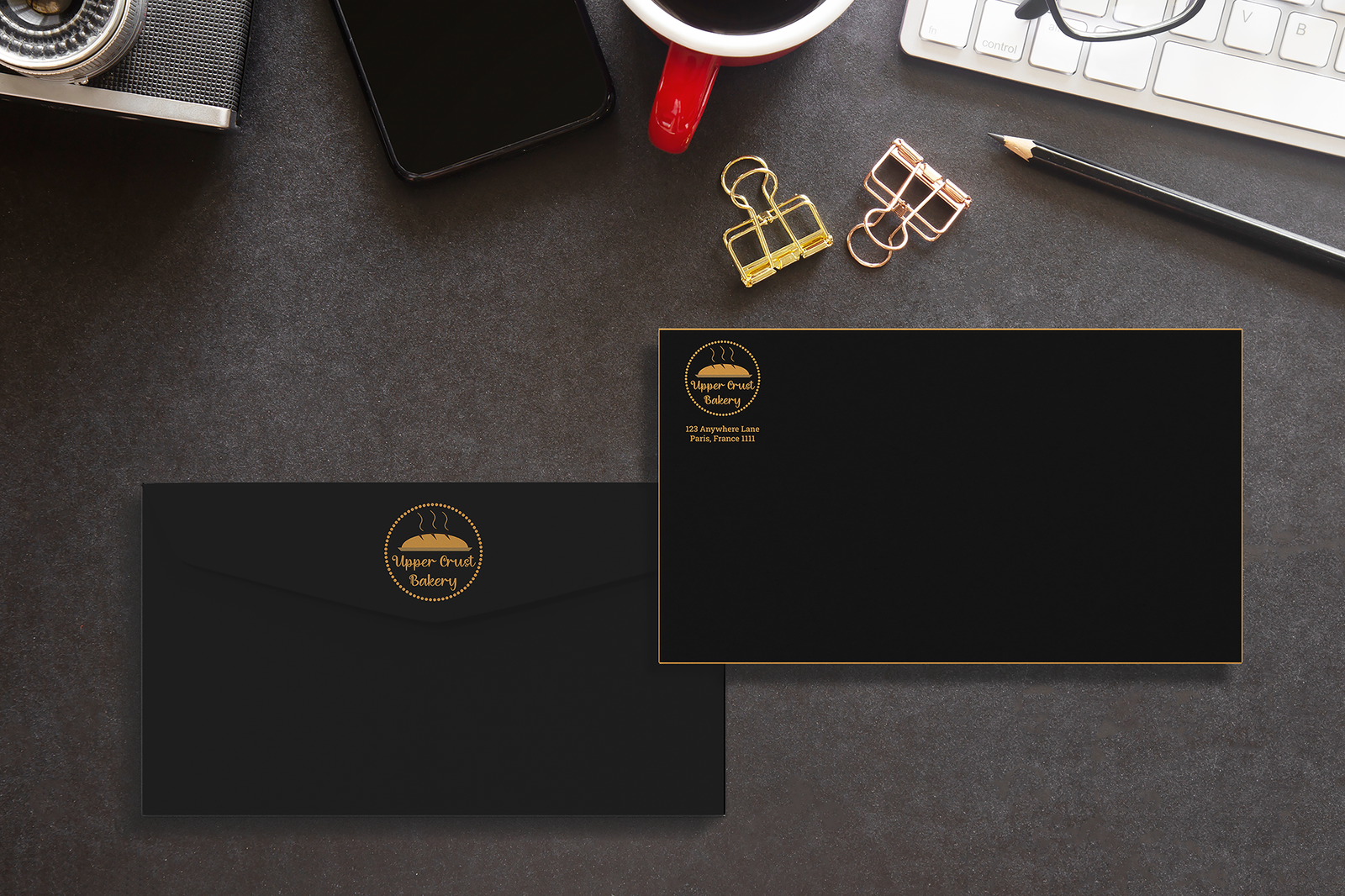
Upper Crust Bakery Envelope Mockup

Upper Crust Bakery Envelope

Program Used: Adobe Illustrator

This piece was created for the Upper Crust Bakery and is part of a three-piece branding & logo design project to help the client create an effective brand identity and effective brand message for their target audience. For the envelope design, I wanted to keep the design simple but still focus on the design elements used in the logo. For this, I made the design focus solely on the logo itself by adding the logo prominently on both sides of the envelope while leaving room for other elements to be added to the envelope (such as postal stamps, information about who's receiving the letter, etc.). I also decided to make the envelope black for this mockup as it keeps in theme with the brand's color palette.

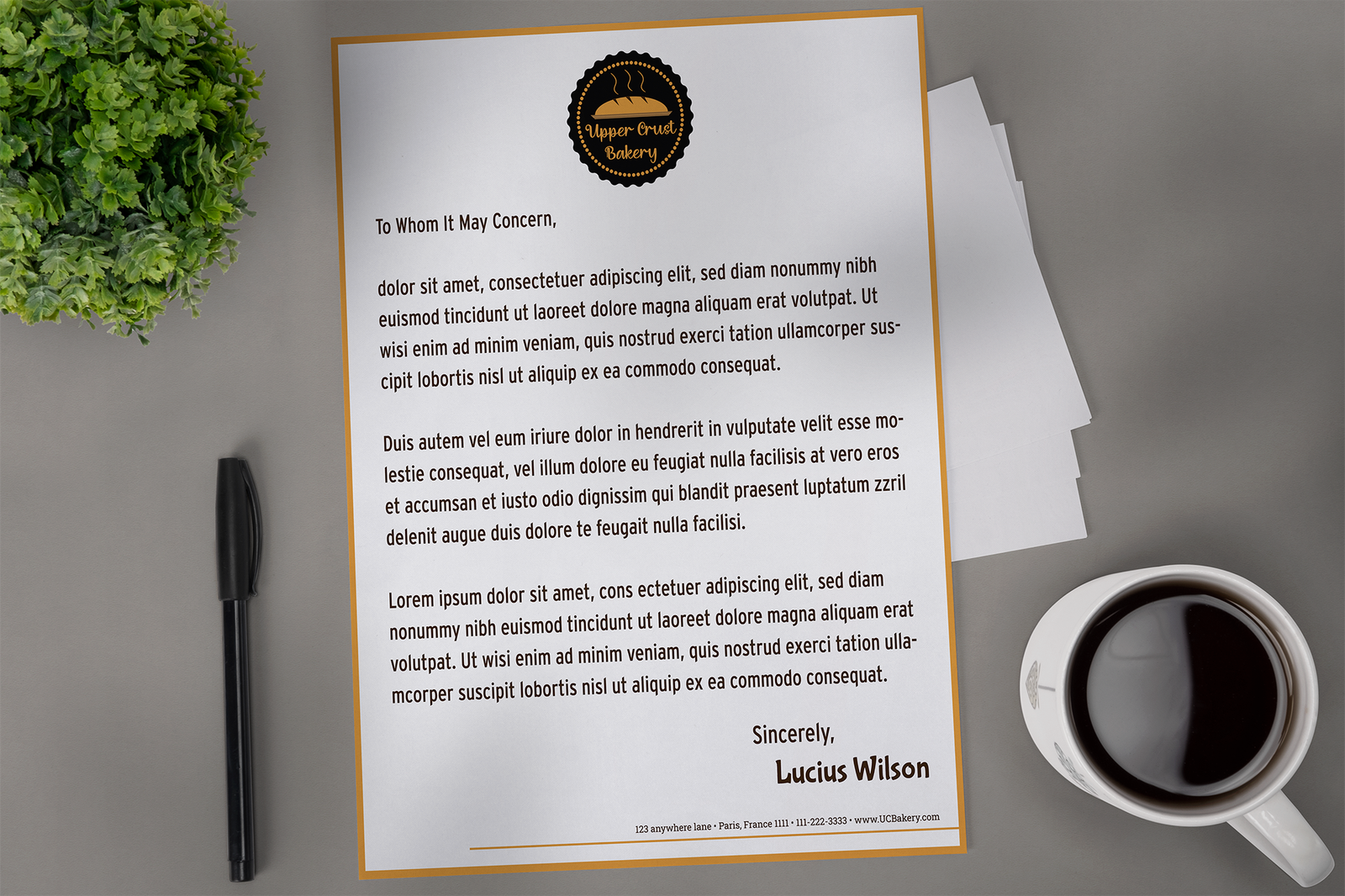
Upper Crust Bakery Letterhead Mockup

Upper Crust Bakery Business Card

Program Used: Adobe Illustrator

This piece was created for the Upper Crust Bakery and is part of a three-piece branding & logo design project to help the client create an effective brand identity and effective brand message for their target audience. Much like I stated when describing the Upper Crust Bakery logo, when it came to applying this style through the various media formats, I kept the design choices I made for the logo in mind, using the color palette to help bring out important elements and the decorative text to keep the similar creative aspect of the brand within the brand items. For the letterhead, you can see these design choices in action, from making the logo prominent within the letterhead to the decorative text used for the writer's name. I also wanted to keep the design clean and professional by using a more modern typeface for the main content of the letterhead to help with readability while still fitting with the overall theme and color scheme of the brand. Lastly, I also added a gold border around the letterhead to tie back into the brand's color scheme and drew out a line coming from the border to place the brand's contact information.

Drop The Mic Productions Logo

Drop The Mic Productions Logo

Program Used: Adobe Photoshop

This piece was created for the Drop The Mic Productions music group to create a bold and modern style of logo that could be applied to various items. Specifically, the client wanted to focus on a logo that would grab the user's attention while remaining simplistic and could be readily used for merchandising purposes (such as applying the logo to clothing, phone cases, laptop covers, etc.) They also wanted the logo to be the abbreviation of the group name to stick with the clean and simplistic design. With this in mind, I focused on using a simple black, white, and red color palette and used various effects to help add more emphasis on the red of the logo (such as by utilizing the “outer glow” effects from Adobe Photoshop and using the layers panel to add depth to the lettering in the logo). The contrast between the black background, the white lettering, and the red outline, allows for the logo as a whole to retain its simplicity while also having the elements that make the logo stand out on various items.

Drop The Mic Productions Laptop Cover Mockup

Drop The Mic Productions Laptop Cover Mockup

Program Used: Adobe Photoshop

Here's a sample mockup of the Drop The Mic Production logo used as a laptop cover or laptop skin. The logo itself can also be used with or without the black background depending on the item it's being applied to, such as being placed on clothing or phone cases.

Drop The Mic Productions Phone Case Mockup

Drop The Mic Productions Phone Case Mockup

Program Used: Adobe Photoshop

Here's a sample mockup of the Drop The Mic Production logo applied on a different colored phone cases. Different variations of the logo can also be used to work with different colors and materials.

Drop The Mic Productions Black Hoodie Mockup

Drop The Mic Productions Black Hoodie Mockup

Program Used: Adobe Photoshop

Here's a sample mockup of the Drop The Mic Production logo applied to a black hoodie design.

Flying Color Graphics Logo

Flying Color Graphics Logo

Program Used: Adobe Photoshop

For this piece, the main goal was to create a fictitious business for myself that focused on a topic that fit my specific style and voice. With this in mind, I went into designing this piece with the main focus being directed towards graphic design and art. To achieve this, I focused on using a wide range of colors through the use of gradients and made the ball in the center of the logo the centerpiece of the brand as a whole. I also wanted to add the element of movement to the piece by adding wings to the logo to give the effect of the logo flying which, when applied with other backdrops, helps to emphasize both the brand name and the logo itself. To finish the logo, I also wanted to use a font that would help add more elements of color while not impacting readability. This led to me applying a similar gradient from the logo to the brand name itself to help bring more cohesiveness between the logo and the brand name.

Flying Color Graphics Notebook Mockup

Flying Color Graphics Notebook Mockup

Program Used: Adobe Photoshop

Here is a drawing notebook mockup for the Flying Color Graphics brand. Similar to the logo design, I wanted to focus on colors and the element of movement within the piece. The use of a starry backdrop helps to enhance this movement while also keeping the focus on the logo itself. I also wanted to use this logo to apply it towards objects related to art so I made the logo with various items in mind, such as pencils, pens, notebooks, paint brushes, etc.

Flying Color Notebook Mockup Alternative

Flying Color Graphics Notebook Mockup Alternative

Program Used: Adobe Photoshop

Here is an alternate mockup for the drawing notebook with the Flying Color Graphics cover applied to it.

Project Jay Logo

Project Jay Logo

Program Used: Adobe Photoshop

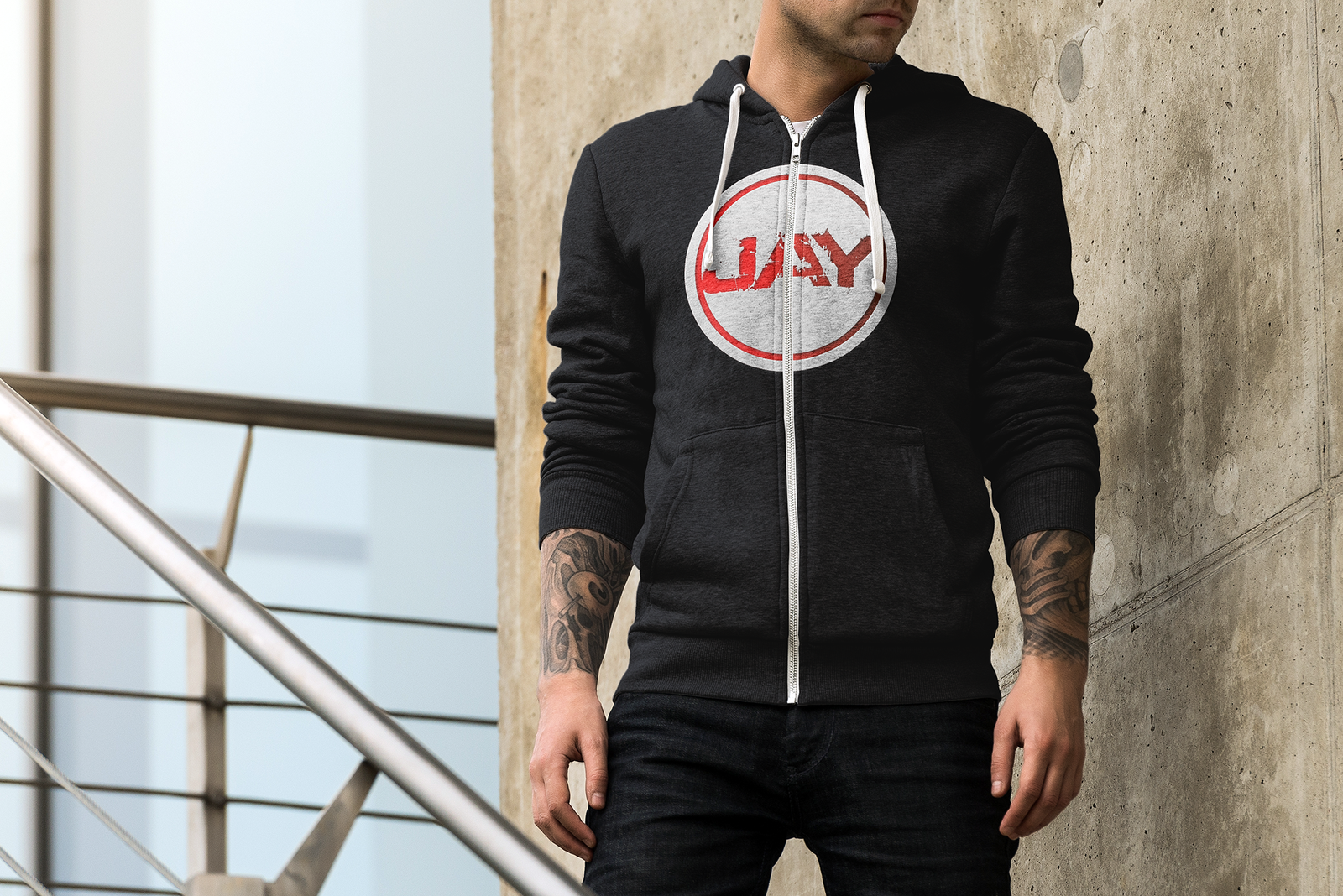
This piece was created for the music artist, Project Jay, with the express purpose of creating a logo that would allow the client to use it as his brand towards music. Similar to the Drop The Mic Productions logo, the client for this project wanted a logo that was simplistic but also emphasized his stage name and was able to be used for various merchandise items (such as hoodies, T-shirts, Posters, etc.). The main design elements focused on a clean and stylized design that also added grit and texture to help add emphasis to the logo as a whole. The client also wanted to focus on a red and greyish-white color palette to help match his brand. To accomplish this, I used various methods and effects from Adobe Photoshop by using various layers to create a greyish-white outline, an inner red outline, and the inner ring that would house his name. I then used a gritty, concrete-like font to use for his name (as it would be the centerpiece of the logo) and applied a clipping mask to imprint the name within the inner circle. Lastly, I would add a gradient over the red elements of the outline to add more detail to the splatter splitting from the name as well as add a direction of light to the logo.

Project Jay Hoodie Mockup

Project Jay Hoodie Mockup

Program Used: Adobe Photoshop

Here is a mockup of the Project Jay logo applied to a grey hoodie. Much like the client requested, I made sure that the logo would be able to be printed onto various items without issue as the black backdrop for the logo can be interchangeable depending on the look the client was looking for. While this mockup showcases what the logo would look like on a grey hoodie, this logo can be applied to various different mediums and colors and still maintain the orginal style and readbility that the client requested.

Project Jay Black Hoodie Mockup

Project Jay Black Hoodie Mockup

Program Used: Adobe Photoshop

Here is a mockup of the Project Jay logo applied to a black hoodie with a smaller logo placed closer towards the chest area.

Project Jay Hoodie Mockup Alternative

Project Jay Hoodie Mockup Alternative

Program Used: Adobe Photoshop

Here is a mockup of the Project Jay logo applied to the back of a black hoodie as an example of being used on different types of colors and material.

Science Magazine Spread

Science Magazine Spread

Program Used: Adobe InDesign

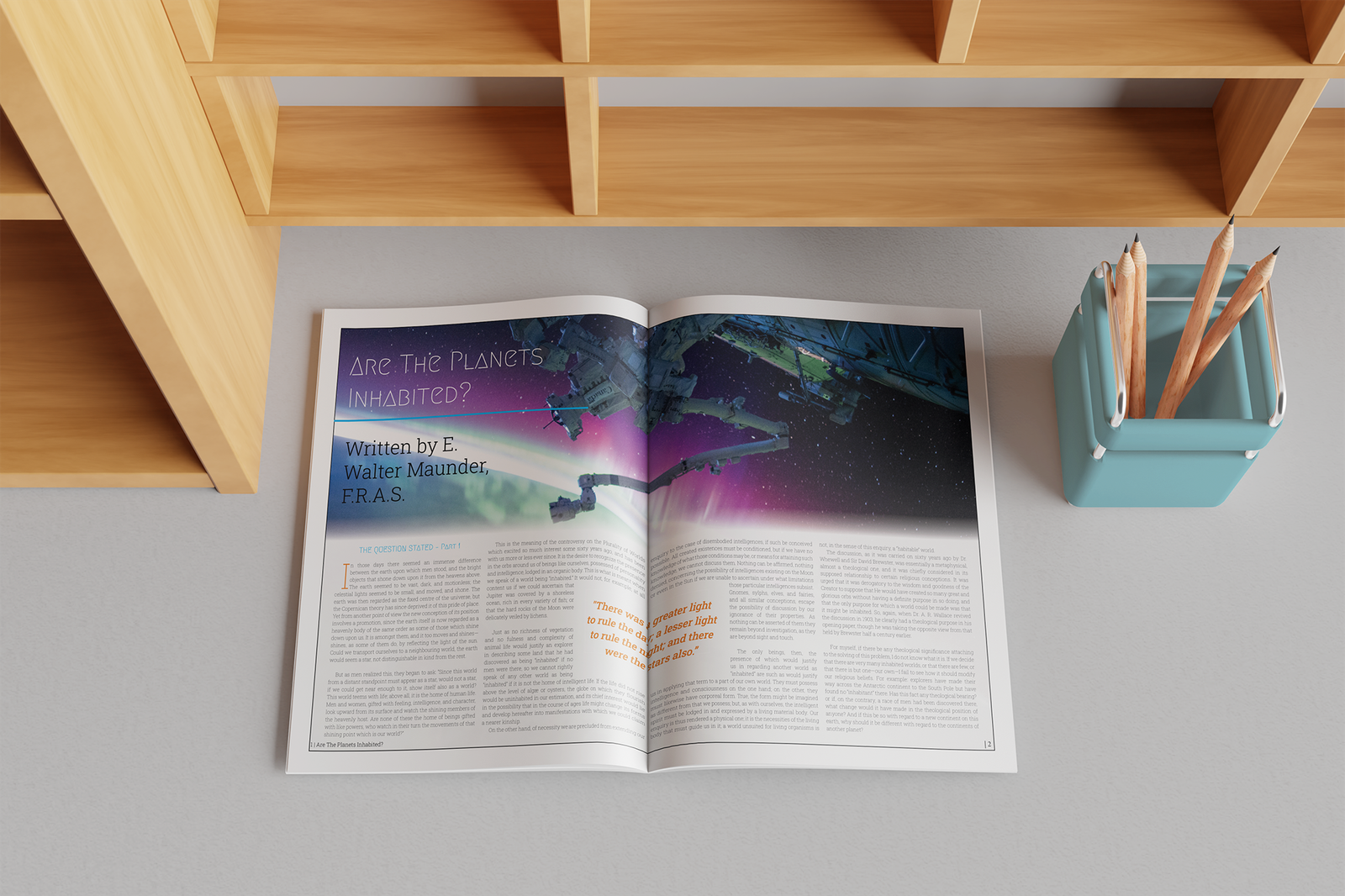
This piece was created to test my skills in different art forms and layouts. For this design piece, the main goal was to create a comprehensive layout that had stylistic elements that fit the theme of the article while also maintaining readability for the viewer. Alongside this, I also had to focus on spacing and alignment for the article and include a prominent quote from the article that would grab the viewer's attention. Due to the article's theme of outer space, I wanted to focus on two types of colors that would fit well with the overall message and used them sparingly so I wouldn't detract from the article with design choices. To accomplish this effectively, I chose the colors blue and orange and used the blue for the chapter title and as a header underline for the article title while using the orange for emphasis (such as the letter “I” at the beginning of the article and the quote used in the middle of the page). I also wanted to use an image of a space telescope to further connect to the main theme of the article. Lastly, to emphasize the quote, I utilized Adobe InDesign's rectangle tool and text wrapping to cause the text to form around the quote without altering the quote's position on the page.

Louis Armstong Typography Portait

Louis Armstong Typography Portait

Program Used: Adobe Illustrator/Photoshop

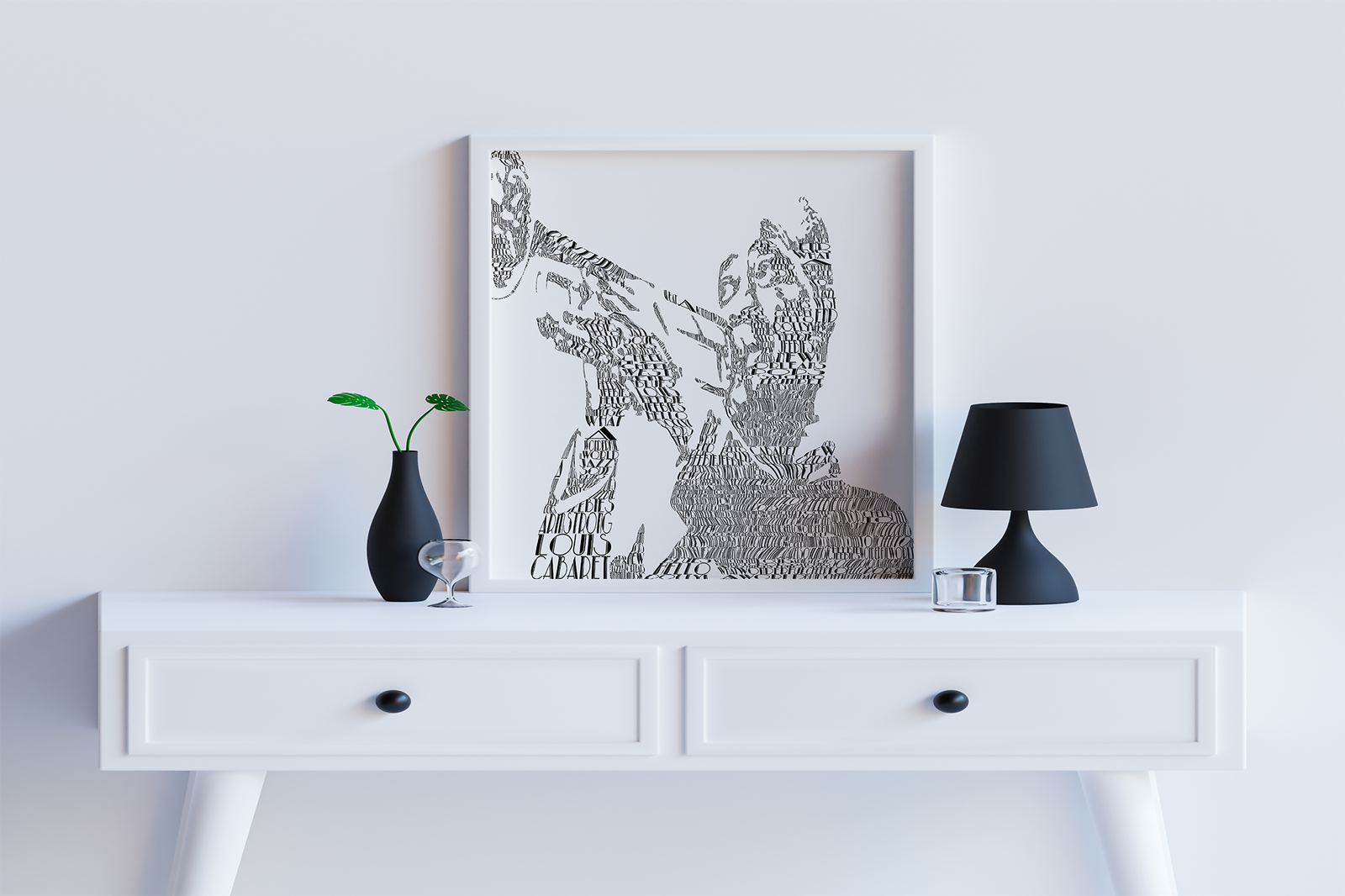
This piece was part of a typography assignment for school but quickly turned into a personal project! The main focus of this piece was to create a portrait of any given famous musician, actor, or historical person using only words related to that figure and a single font. For me, I decided to focus on Louis Armstrong and did some research on his life to pick out phrases and songs that would relate directly to him. I also decided to use a font that would be reminiscent of the era of music Louis Armstong was in to help fit the style of the piece together. I began by finding a reference photo of Louis Armstrong and used Adobe Photoshop to turn the photo into a saturated, black-and-white photo and removed the background. I then switched over to Adobe Illustrator and began placing the words within the outline of the photo. After I got a basic outline, I began filling in the inside of the portrait using the envelope distort tool and used big words to draw attention to certain words or phrases, and utilized smaller words to add detail to specific areas. After the rough design was done, I went back in and adjusted the spacing or angle of words by adjusting points on the envelope mesh until it was finished.
Music Is Everything Graphic

Music Is Everything Graphic

Program Used: Adobe Photoshop

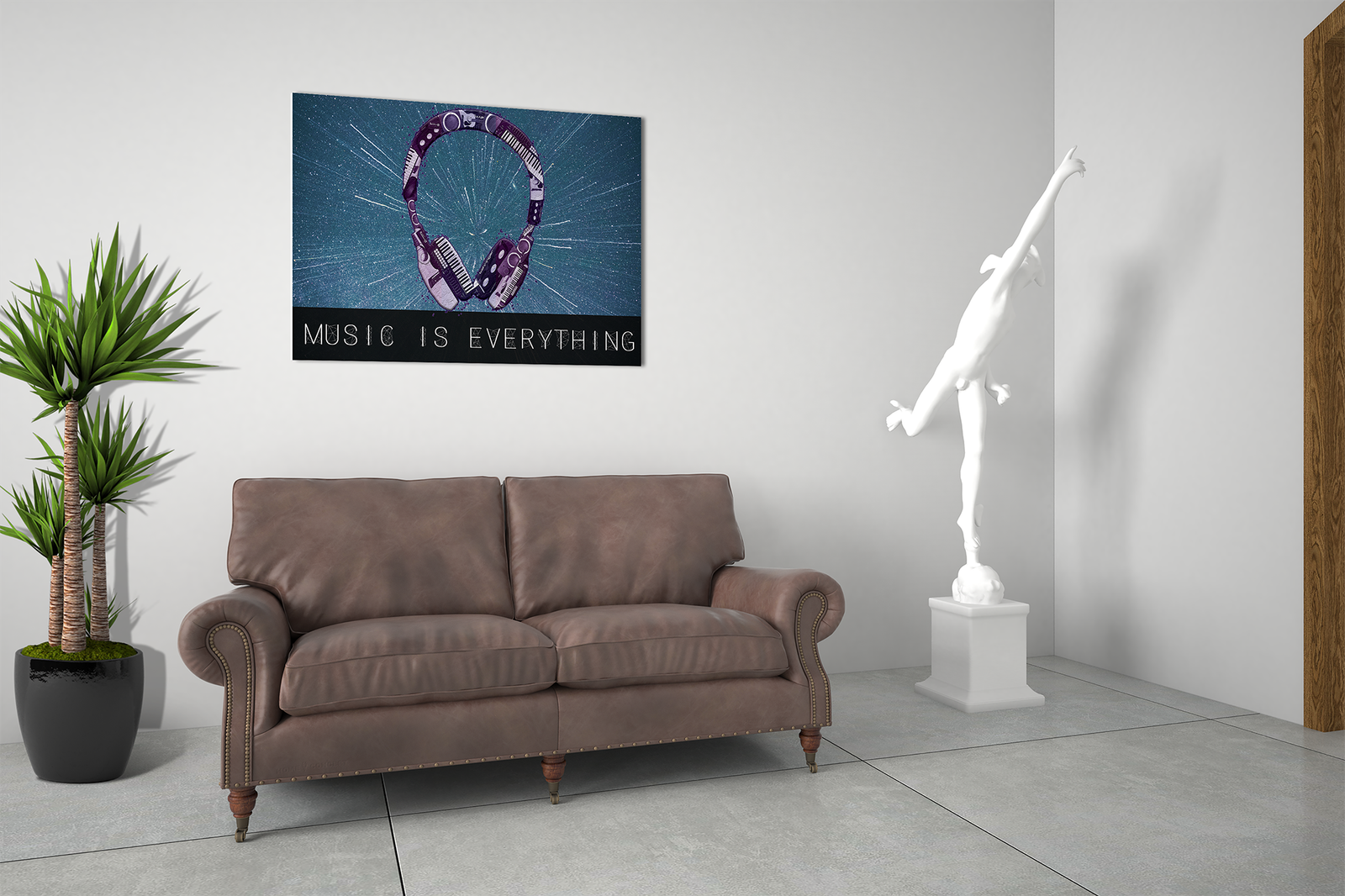
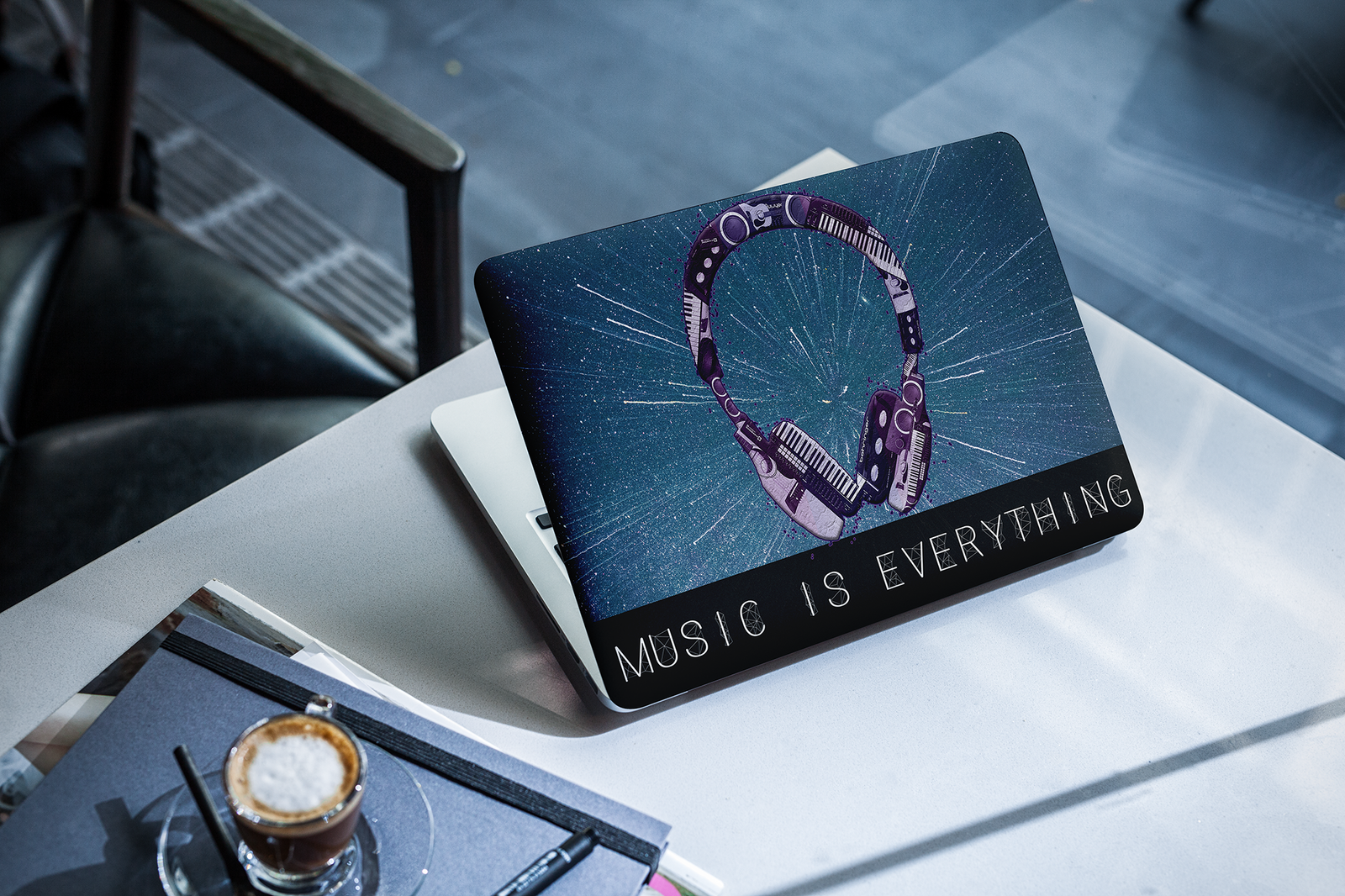
This piece was part of a personal graphic I was originally going to use for a school assignment but kept it as I didn't think it would fit the original instructions of that assignment. However, this piece allowed me to combine my skills in photography with my skills in graphic design and create and graphic that could be used as either an art piece or for items such as laptop covers and phone cases. Specifically, the main focus when designing this piece was to focus on my career in music and transform this focus into an art graphic by utilizing photos I took of various musical equipment (such as guitars, pianos, audio interfaces, etc.). I utilized a total of five pictures and used the image of my headphones as a base for the collage piece. Using Adobe Photoshop's clipping mask tool to add in each of the five pictures, I took and arranged the photos within the shape of the headphones, keeping the original shape without distorting the original image. I then created a purple color palette using various hues and applied them to the headphones as a form of gradient, overlaying the color over the college. I then used a space-like image and font to help add balance to the piece as well as the element of movement within the piece. Lastly, I added various shadows, outer glow, texture, and splatter effects to add more detail and depth to the overall collage.

Music Is Everything Laptop Cover

Music Is Everything Laptop Cover

Program Used: Adobe Photoshop

Here is another mockup showcasing the "Music Is Everything" graphic in the form as a laptop case or laptop skin.

Graphic Jay Logo

Graphic Jay Logo

Program Used: Adobe Illustrator

Graphic Jay Business Card Front

Graphic Jay Business Card (Front)

Program Used: Adobe Illustrator

Graphic Jay Business Card Back

Graphic Jay Business Card (Back)

Program Used: Adobe Illustrator

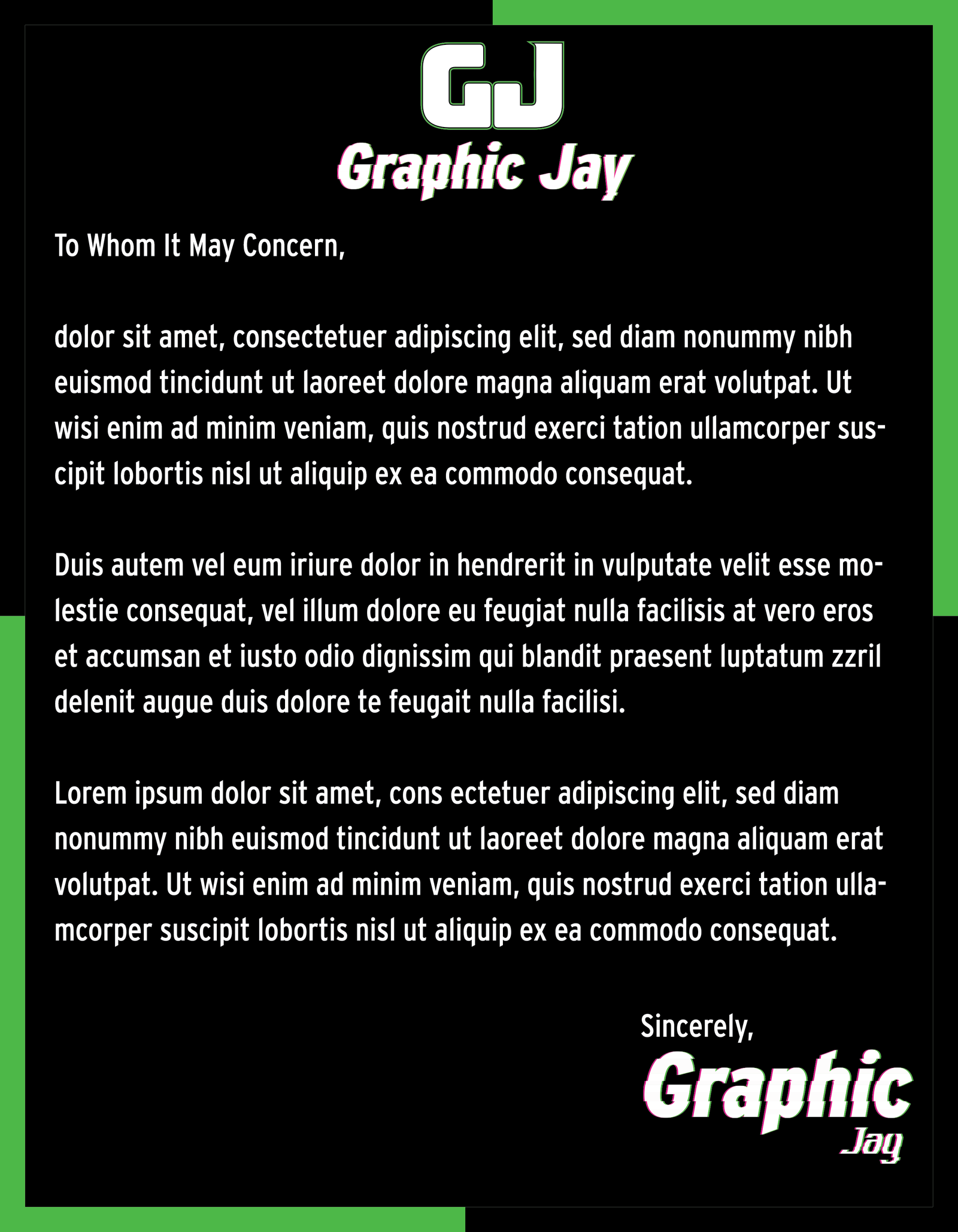
Graphic Jay Letterhead With Black Background

Graphic Jay Letterhead (Black Background)

Program Used: Adobe Illustrator

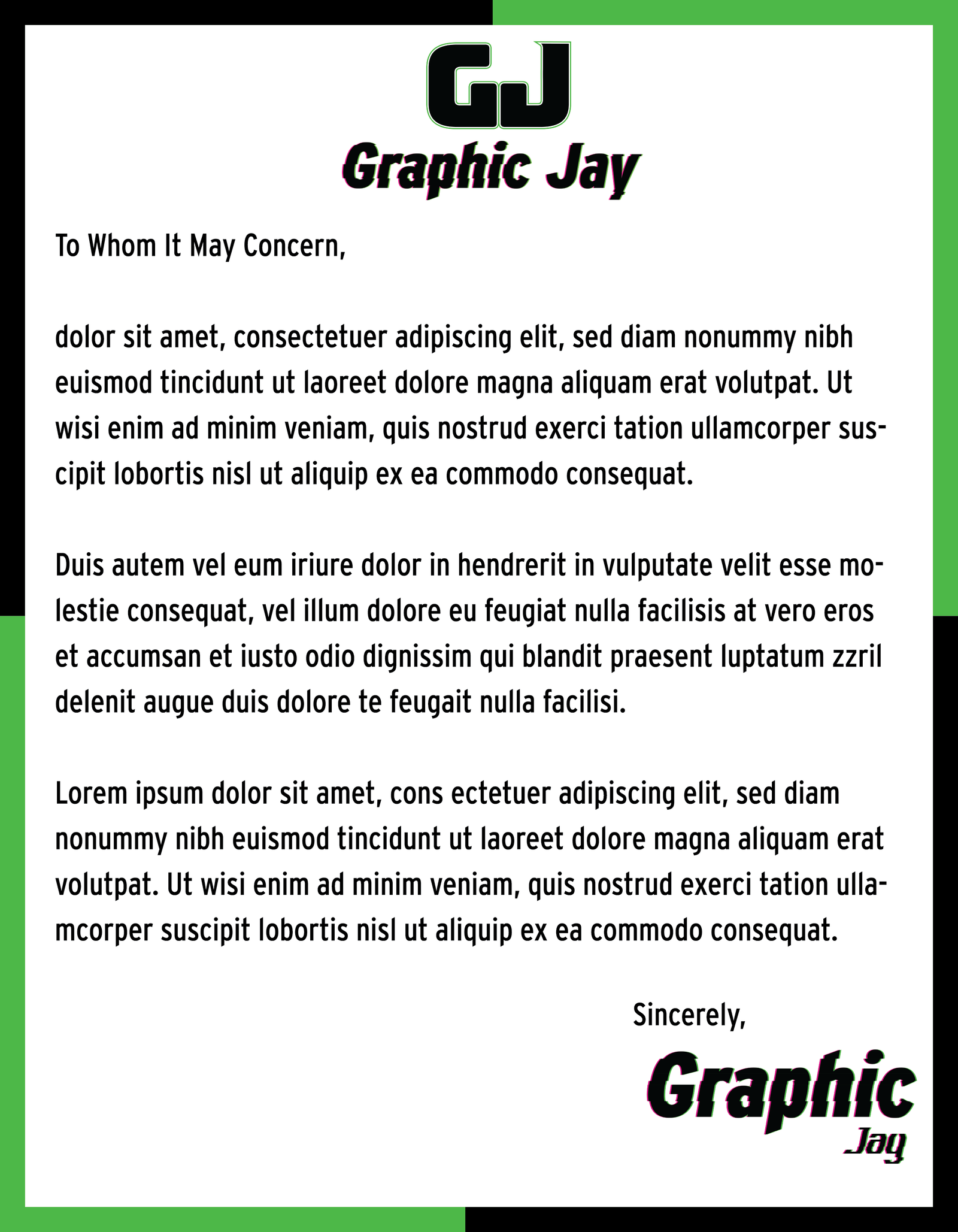
Graphic Jay Letterhead With White Background

Graphic Jay Letterhead (White Background)

Program Used: Adobe Illustrator

Graphic Jay Mini Portfolio Exterior

Graphic Jay Mini Portfolio (Exterior)

Program Used: Adobe Illustrator

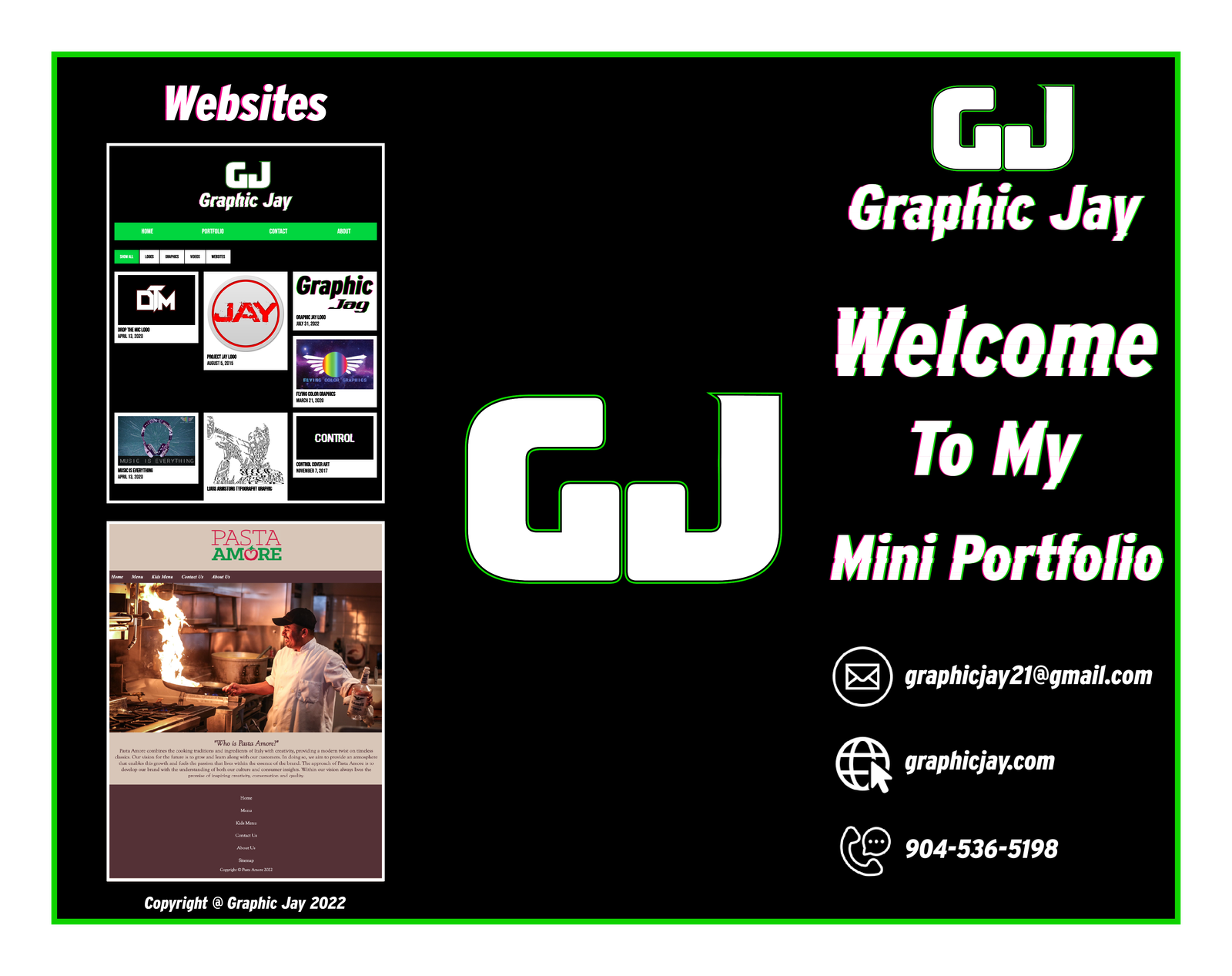
Graphic Jay Mini Portfolio Interior

Graphic Jay Mini Portfolio (Interior)

Program Used: Adobe Illustrator

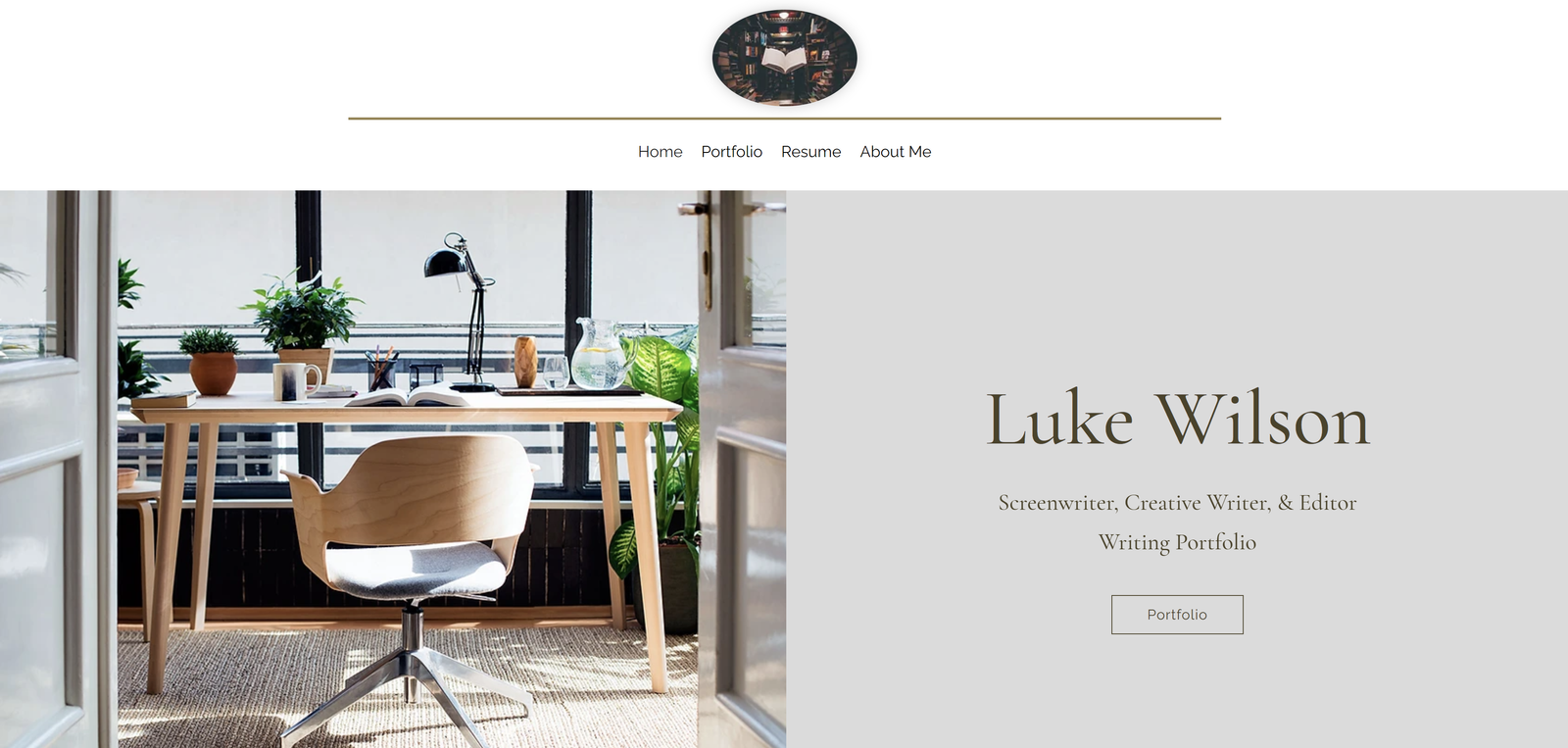
Luke Wilson Portfolio Site

Luke Wilson Portfolio Website

Program Used: Wix Editor

The client for this piece was the creative writer and screenwriter, Luke Wilson, and was made with the purpose to showcase his work within a professional portfolio website. Specifcally, the client wanted a site that had several different sections that gave a brief glimpse into his versitality within different mediums, such as editorials, creative writing tips, poetry, and non-fiction writing. I decided to focus on a olive and white color palette and focused on clean as well as focused on imegery focused within the writing field (images sourced from client). I also made sure to include a comprehensive list of the clients skills and work experience as well as contact information throughout several sections of the website.

Link To Website Here!